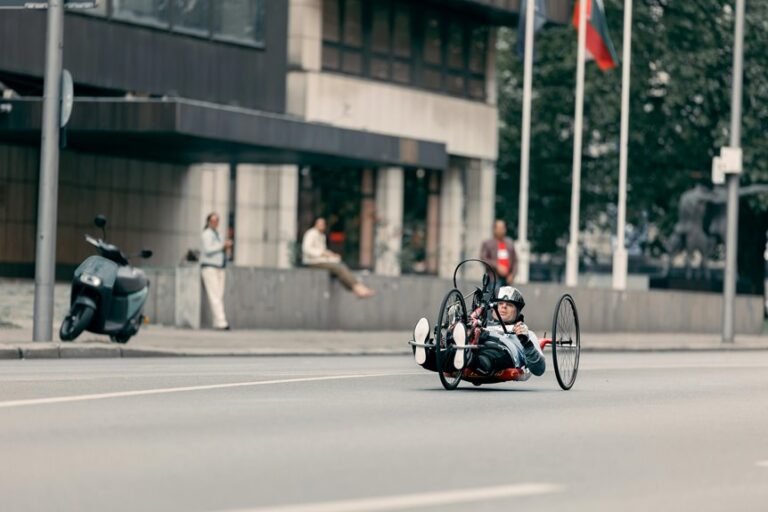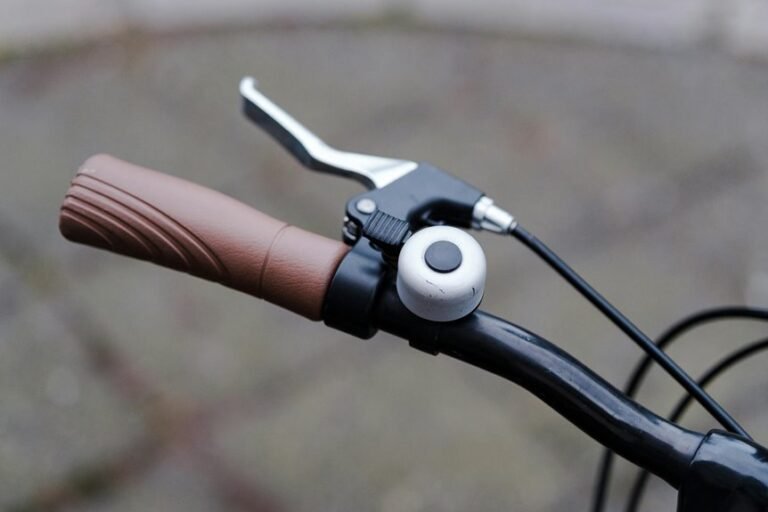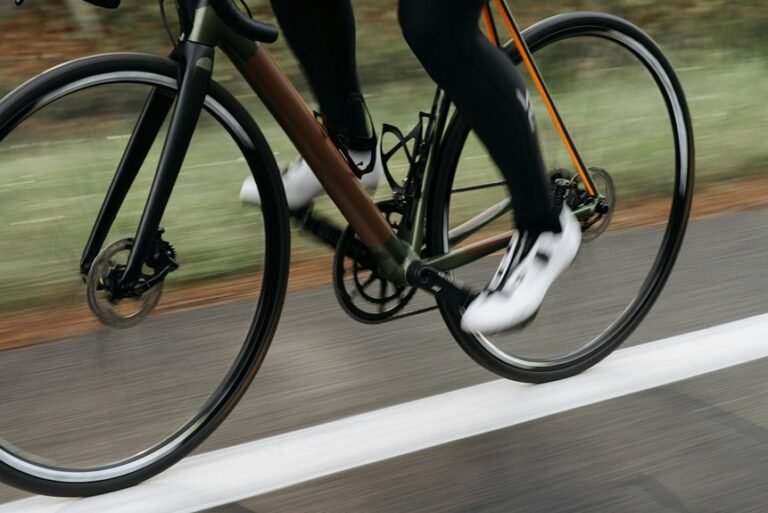
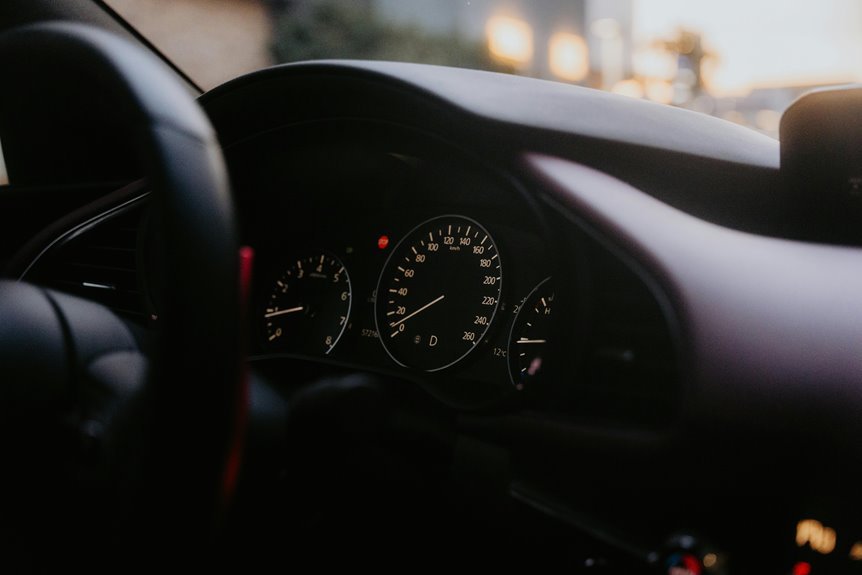

A smart bike speedometer tracks the key stats that show how your ride is going. It records speed, distance, ride time, cadence, heart rate, calories, route data, and more in real time. Those numbers help explain why one ride feels smooth and another feels tough. Here are 10 useful tracking features that make every ride easier to read.
Smart Bike Speedometer Speed Tracking
while you ride with a smart bike speedometer, speed tracking becomes much more than a simple number on a screen. You get live feedback that helps you ride with more confidence and feel in sync with your goals and your group. That matters whenever you want every ride to feel shared, steady, and rewarding.
To make that happen, your device blends quick data updates with careful sensor calibration. You see pace changes fast, so you can settle into the effort that fits the moment.
Strong speed sensor accuracy also helps whenever tree cover, tunnels, or traffic interrupt clean signals. If you pair external sensors through ANT+ or Bluetooth, your readings stay dependable across changing conditions. In turn, you trust what you see, ride smoother, and feel like you truly belong out there with every cyclist beside you.
Distance Tracking and Trip Totals
A smart bike speedometer does two jobs at once with distance tracking and trip totals: it shows how far you’ve gone right now, and it keeps a clear record of the ride as it grows. You can glance down and feel grounded, because your progress is visible and easy to trust.
That matters as you ride with friends, follow a planned route, or chase a weekly goal. Strong route distance accuracy helps you match the road to the numbers on screen, so each mile feels earned. At the same time, trip totals collect the whole ride into one simple view, which makes your effort feel real and shareable.
As you start fresh, a quick trip total reset clears old numbers, keeps your data clean, and helps you stay in step with your cycling community every ride.
Ride Time and Moving Time
Distance tells you how far you’ve gone, and ride time tells you how your day on the bike actually unfolded. Your computer shows more than one clock, so you can understand the full story of each ride and feel in sync with your cycling community.
- Elapsed ride time counts everything from start to finish, including café stops, red lights, and trail checks.
- Moving time records only while your wheels are turning, so pauses don’t blur your effort.
- Paused movement alerts help your device separate riding from standing still, which keeps your ride log clean and trustworthy.
Together, these fields help you compare rides fairly, plan meetups better, and see how your routine really works. Whenever your numbers match your lived experience, you feel more confident, connected, and ready for the next group roll-out.
Average and Max Speed Explained
As you ride, average speed shows how steady your pace stays over the whole trip. Max speed tells you the fastest point you hit, which can feel exciting but doesn’t show how consistent you were.
While you compare both numbers, you get a clearer view of your effort and your real riding performance.
Average Speed Insights
While your current speed jumps up and down through a ride, average speed gives you the steady, honest view of how fast you’ve really traveled over the full distance, and max speed shows the single fastest moment your bike computer recorded.
That makes average speed one of your most useful ride metrics. It helps you spot speed consistency patterns across climbs, flats, and windy sections. It also acts as one of your best pacing efficiency indicators, so you can see whether your effort stays smooth or fades late in the ride.
- You compare rides fairly, even when terrain changes.
- You judge pacing without getting distracted by every speed spike.
- You track progress with a number that feels grounded and shared with riders everywhere.
When you watch average speed over time, you join a bigger cycling rhythm and understand your riding style better.
Maximum Speed Meaning
Max speed tells you the fastest point your bike computer recorded during the ride, so it works differently from average speed right away. It captures one peak moment, often on a descent, sprint, or windy stretch, rather than your full effort across the route.
That difference matters as you check your numbers with other riders and want clear maximum speed context. Your top number can feel exciting, but smart speed record interpretation helps you read it well. Unless traffic, terrain, or a short downhill pushed it up, that max speed doesn’t define your whole ride.
Instead, it shows what happened at one sharp instant. Average speed reflects your steady pace as part of the cycling community’s shared language, while max speed highlights your boldest burst. Together, they give you a fuller, more honest view of progress.
Cadence Tracking for Better Pedaling
A smart bike speedometer can do more than show how fast you’re going. It can track cadence, so you learn how smoothly and strongly you pedal with every ride. Whenever you watch this number, you build cadence efficiency and improve each pedal stroke without guessing.
That matters because better cadence helps you ride with more control and less wasted effort. You start to feel in sync with your bike, which makes every mile feel more natural.
- You can spot whenever your legs spin too fast or push too slowly.
- You can match your cadence to training goals and riding style.
- You can stay steady on long rides and avoid burning out prematurely.
With a cadence sensor connected through Bluetooth or ANT+, your speedometer gives you feedback that helps you ride like part of the pack.
Elevation Tracking for Climbs
How do you know whether to save energy and whether to push on a climb? Elevation tracking gives you that answer in real time, so you ride with more confidence and less guesswork. Your screen shows climb grade, total gain, and how quickly the road tilts up. That helps you pace yourself, shift sooner, and avoid burning out too soon.
Just as cadence helps you stay smooth, elevation data helps you stay smart. You can read the ascent profile to spot steep ramps, short breaks, and long grinders before they wear you down. As you see what’s coming, you feel more in control and more connected to the riders who train with purpose. On hard days, that small bit of understanding can feel like a teammate riding beside you up the hill.
GPS Route Tracking and Navigation
As you ride somewhere new, GPS route tracking takes the stress out of every turn and helps you stay focused on the road ahead. Your bike computer becomes a trusted guide, giving clear turn-to-turn cues and keeping you connected to the ride, not lost in it.
With smart route planning, you can build a course, load GPX files, or sync routes from favorite apps your cycling community already uses. Whenever plans change, your device adapts fast with backtracking guidance and rerouting tools that keep you moving with confidence.
- Create custom routes for your goals
- Follow accurate directions on unfamiliar roads
- Return safely with back to start support
That means you can discover more, ride with your group, and feel like you belong wherever the road leads next.
Heart Rate Sync for Training
Once your route is set, heart rate sync helps you understand what your body is doing while you ride. With ANT+ or Bluetooth, chest strap pairing is quick, so your bike computer shows live effort, not guesswork. That helps you stay in the right heart rate zones and train with more confidence.
| Feature | What you see | Why it helps |
|---|---|---|
| Live BPM | Current rate | Paces effort |
| Zone alerts | Target range | Keeps you focused |
| Sensor link | Stable signal | Reduces dropouts |
| Workout sync | Guided targets | Supports plans |
You feel more connected to your training, and to riders who train with purpose too. Once your screen matches your effort, you stop chasing random numbers. Instead, you ride with clarity, consistency, and a little more trust in yourself each session.
Ride History and Performance Trends
Your smart bike speedometer logs each ride, so you can look back at your speed, distance, lap times, and sensor data with confidence.
As your history grows, you can spot performance trends, track training load, and see how your fitness changes over time.
That means you don’t have to guess whether you’re improving, because your data shows you the story of every ride.
Ride Data Logging
Because every ride tells a story, smart bike speedometers log your speed, distance, lap times, heart rate, cadence, and power in one clear ride history that’s easy to review later. That means you don’t have to rely on memory after a long day in the saddle.
Your device keeps each ride organized, so you can feel connected to your progress and your cycling community.
- You can check past rides via date, route, or workout type.
- Data sync moves each session to your phone or favorite fitness app automatically.
- Ride sharing lets friends and family follow your expedition and celebrate with you.
As your miles add up, your logbook becomes a personal record of effort, fun, and commitment. It helps you recollect where you rode, what you completed, and why each ride mattered to you.
Performance Trend Analysis
As your ride history grows, a smart bike speedometer helps you spot performance trends that are hard to see in a single workout. You can compare speed, distance, heart rate, cadence, and power across days, weeks, and months. That makes your progress feel real, not guessed.
With clear charts and synced ride logs, you can notice training load patterns before fatigue sneaks up on you. You can see whenever your pace improves, whenever recovery takes longer, and whenever steady work starts paying off.
This also supports seasonal progress tracking, so you know how winter base miles, spring intensity, and summer volume connect. Because your data stays organized in one place, you feel more in tune with your riding and more connected to the cycling community working toward stronger, smarter miles together every week.
Calorie Burn Estimates and Limits
While a smart bike speedometer can show calorie burn during a ride, that number is still an estimate, not a perfect measure of what your body used. You should treat it as a helpful guide, not a final score. Your calorie estimate accuracy depends on the data your device collects, like speed, heart rate, power, age, and weight.
- Whenever you pair sensors, your numbers usually get closer to real effort.
- Whenever you ride hills, coast often, or stop a lot, estimates can drift.
- Whenever you compare rides the same way each time, patterns become more useful.
That leads to calorie burn limits. Your body isn’t a simple math problem, and every rider in your community burns energy differently. So use calorie data to stay aware, adjust fueling, and feel more confident with every ride.
Frequently Asked Questions
Can Smart Bike Speedometers Connect to Power Meters and Smart Lights?
Many smart bike speedometers pair with power meters and smart lights using ANT+ or Bluetooth. Once connected, they show power data and can control compatible lights for better visibility and ride awareness.
Do Bike Speedometers Support Strava, Komoot, and Ride With GPS?
Yes. Many modern bike speedometers work with Strava, Komoot, and Ride with GPS. They can sync routes and upload ride data, making it easier to follow navigation and keep your activities in one place.
Can I Import GPX or FIT Files to My Bike Computer?
Yes, many bike computers let you import GPX or FIT files, with support for custom routes and route planning. Upload your file, sync it to the device, and follow the route with turn by turn navigation.
Do Smart Bike Speedometers Offer Live Tracking for Family and Friends?
Many smart bike speedometers let you share your location live, so family and friends can see your route as you ride. Some models also include emergency check in features, which can add another layer of safety during longer or solo trips.
How Customizable Are Data Screens on Modern Bike Speedometers?
Modern bike speedometers let you tailor data screens in detail to match how you ride. You can select from a wide range of metrics, arrange fields in the order you prefer, and create multiple pages for different situations, from climbing to navigation to training.